Diagnosis
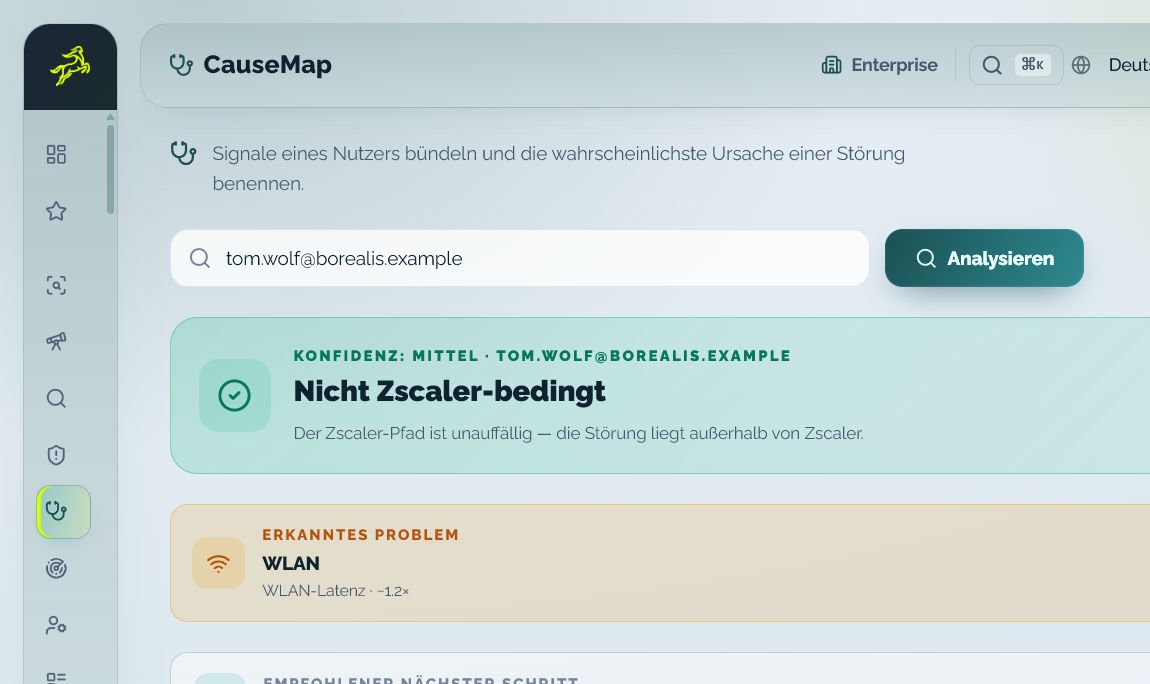
Connectivity Triage Map
Combine available user and connectivity signals into a finding with source context, confidence and a next action.
CentaurNexus connects user support, second-level analysis, security decisions and controlled policy workflows in one role-based operating context.

Combine available user and connectivity signals into a finding with source context, confidence and a next action.
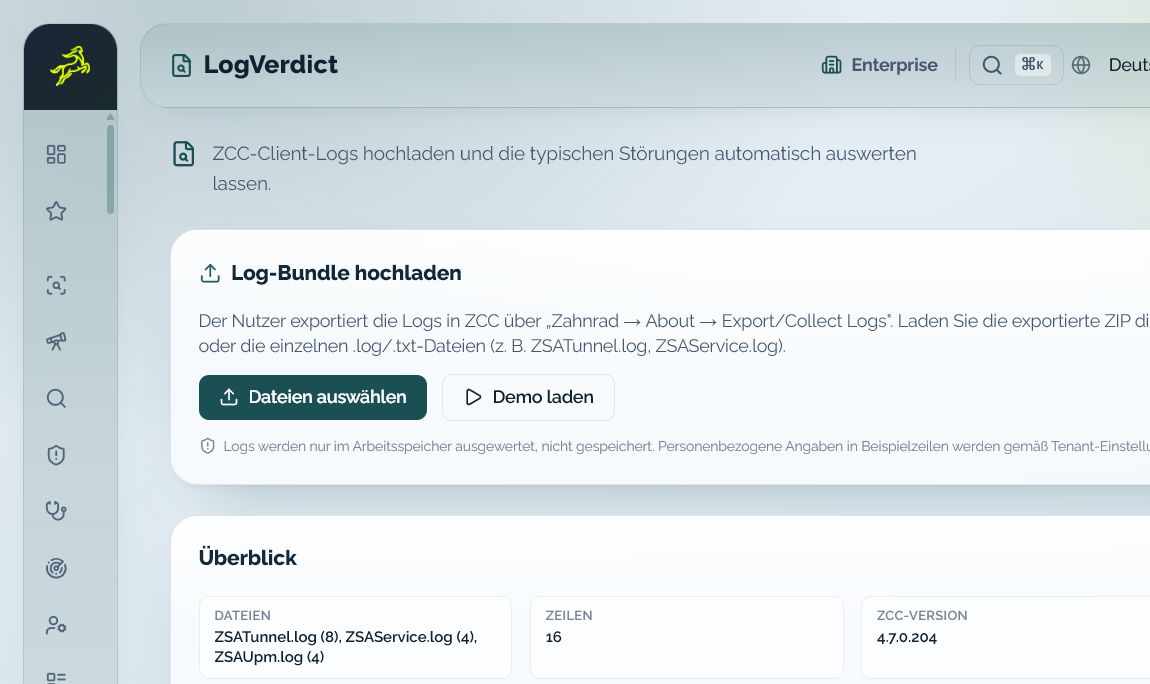
Structure ZCC client logs by finding and severity and turn them into concrete checks.
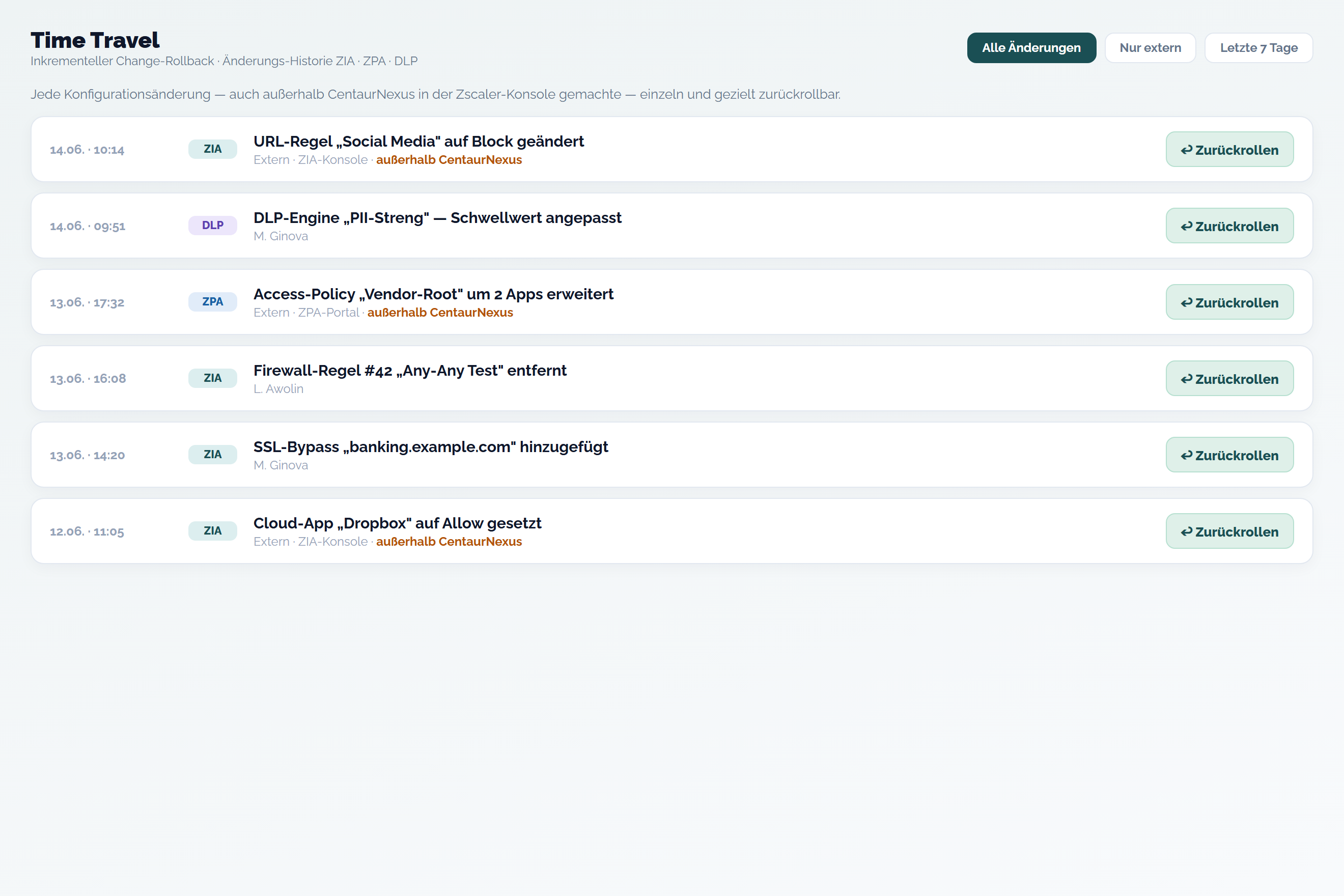
Place individual changes on a timeline and prepare a precise return path where the workflow supports it.
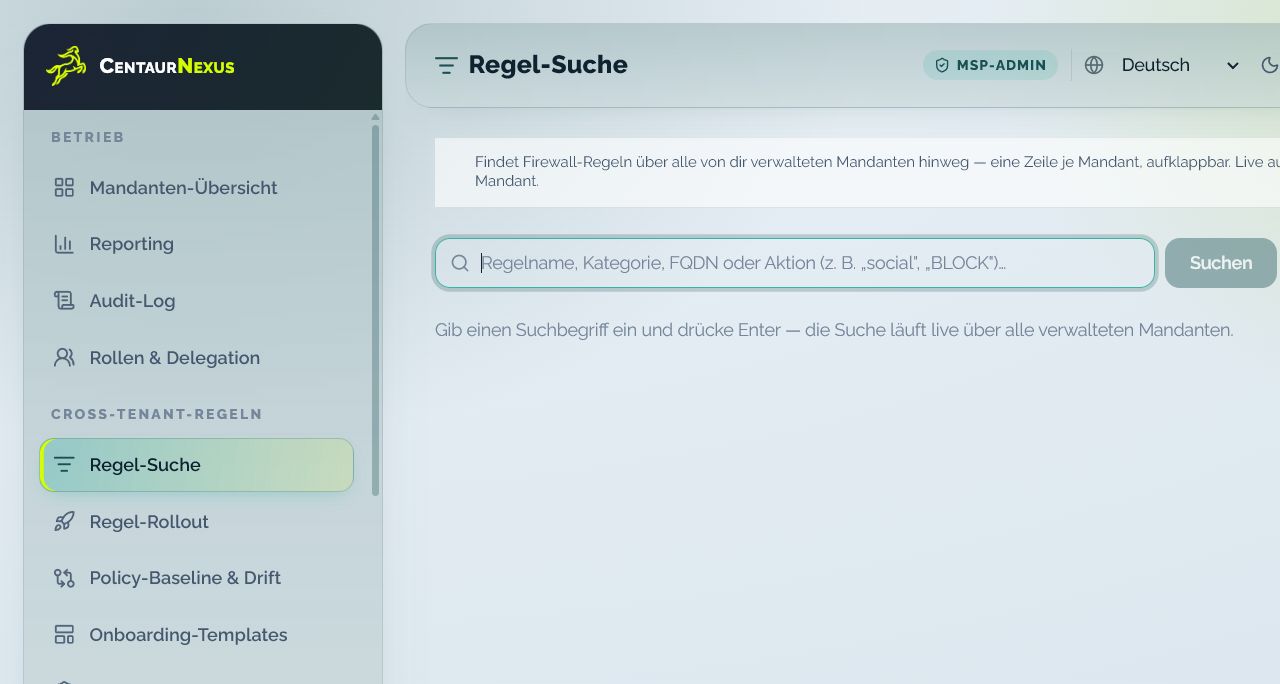
Find rules and user cases across authorized managed tenants while keeping the customer context visible.
Routine cases, specialist analysis and governed actions use the same factual starting point without mixing responsibilities.
Use role-limited user, device and access context without broad admin rights.
Review roughly 70 user-related data points, rules, tunnels and available experience signals.
Connect reason, risk, approval state, target effect and read-back.
Keep tenant, role and customer accountability visible across managed environments.
The responsible role receives the right context to resolve, hand over or prepare a controlled request.
Start with an application, URL, device, user or digital-experience symptom.
Bring source, status, data age, coverage and the relevant tenant context together.
Resolve the case, hand it over with context or start a controlled workflow.
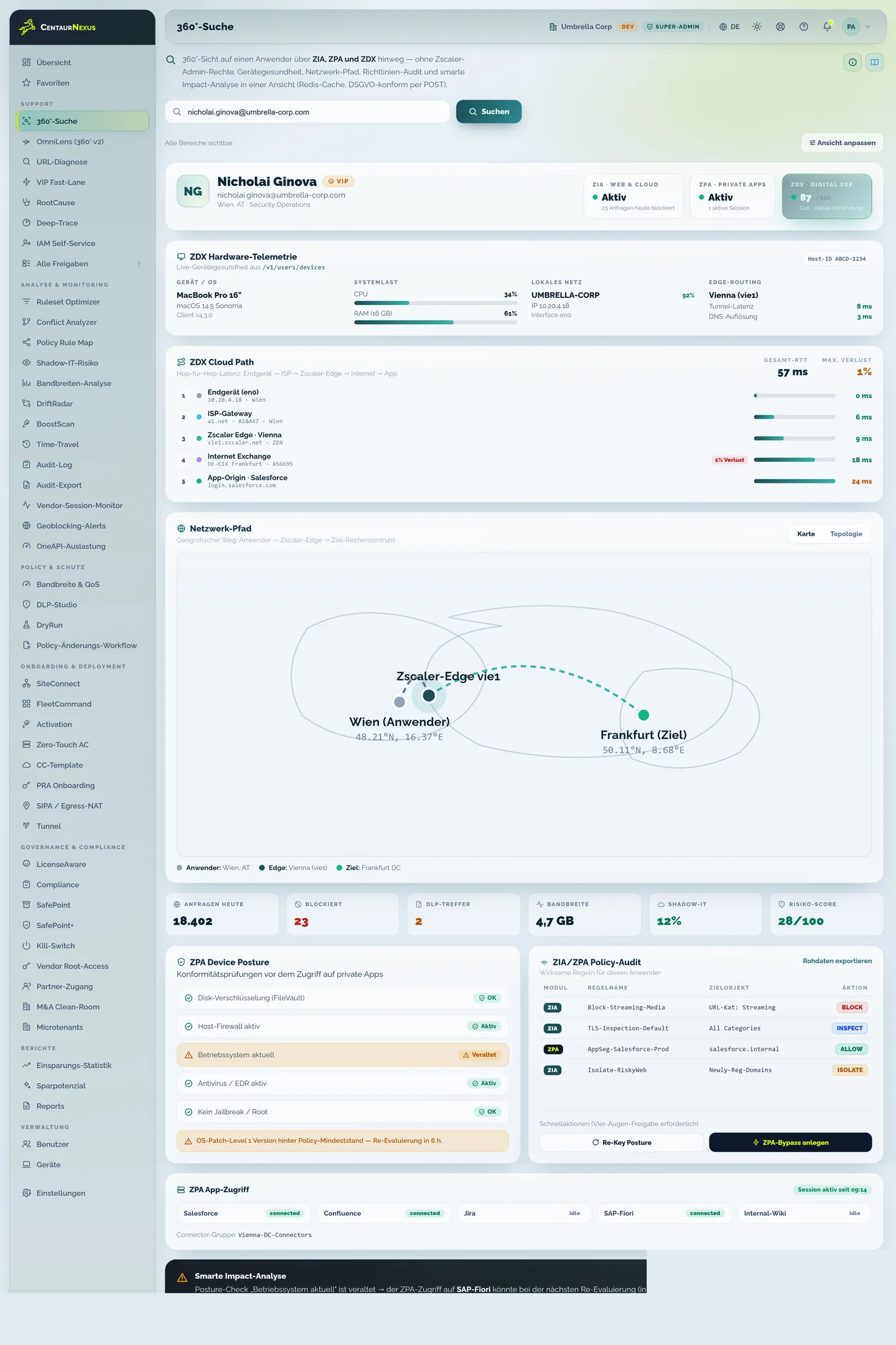
User Support Center starts with the affected user and presents the role-appropriate device, access and service context. Unified Support Center extends that path for second level and administrators.
The role pages explain the workday, platform functions and next action for each audience.

Teams can focus on the decision and the next action instead of recreating context across separate portals.
Bring one recurring operating situation. We will map the roles, required context and appropriate demo path.
No. Zscaler remains the core provider and target system. CentaurNexus adds role-based operational, governance and integration workflows.
User Support Center provides role-approved user, device and access context. Connectivity Triage Map structures available signals into a transparent finding.
Supported reads display their source, status, data age and coverage so operators can assess what the current view does and does not establish.
The tenant policy determines the responsible roles and approval path. A write is only shown as successful after target-system effect and read-back.