A state, not a log entry
A watcher observes one defined operating state: a certificate approaching expiry, for instance. It reports when that state leaves the agreed threshold, not every single line.
A certificate approaches expiry, a rule gets touched, a state reads differently than yesterday. Watchdog checks defined operating states continuously, reports the deviation to a named group of recipients and keeps it in view until somebody has fixed it.
A warning helps little if nobody owns it, if it can be clicked away in passing, or if it stays unclear where it came from.
A watcher observes one defined operating state: a certificate approaching expiry, for instance. It reports when that state leaves the agreed threshold, not every single line.
Every watcher has a group of recipients. The alert goes there instead of waiting in a view nobody currently has open.
An acknowledgement holds until the state is healthy again. A click alone does not close the alert.
Each alert carries the watcher that fired, the data source, an identifier and the time of the last check.
Three steps that settle what is monitored, who hears about it and when the case is genuinely done.
undefined
undefined
undefined
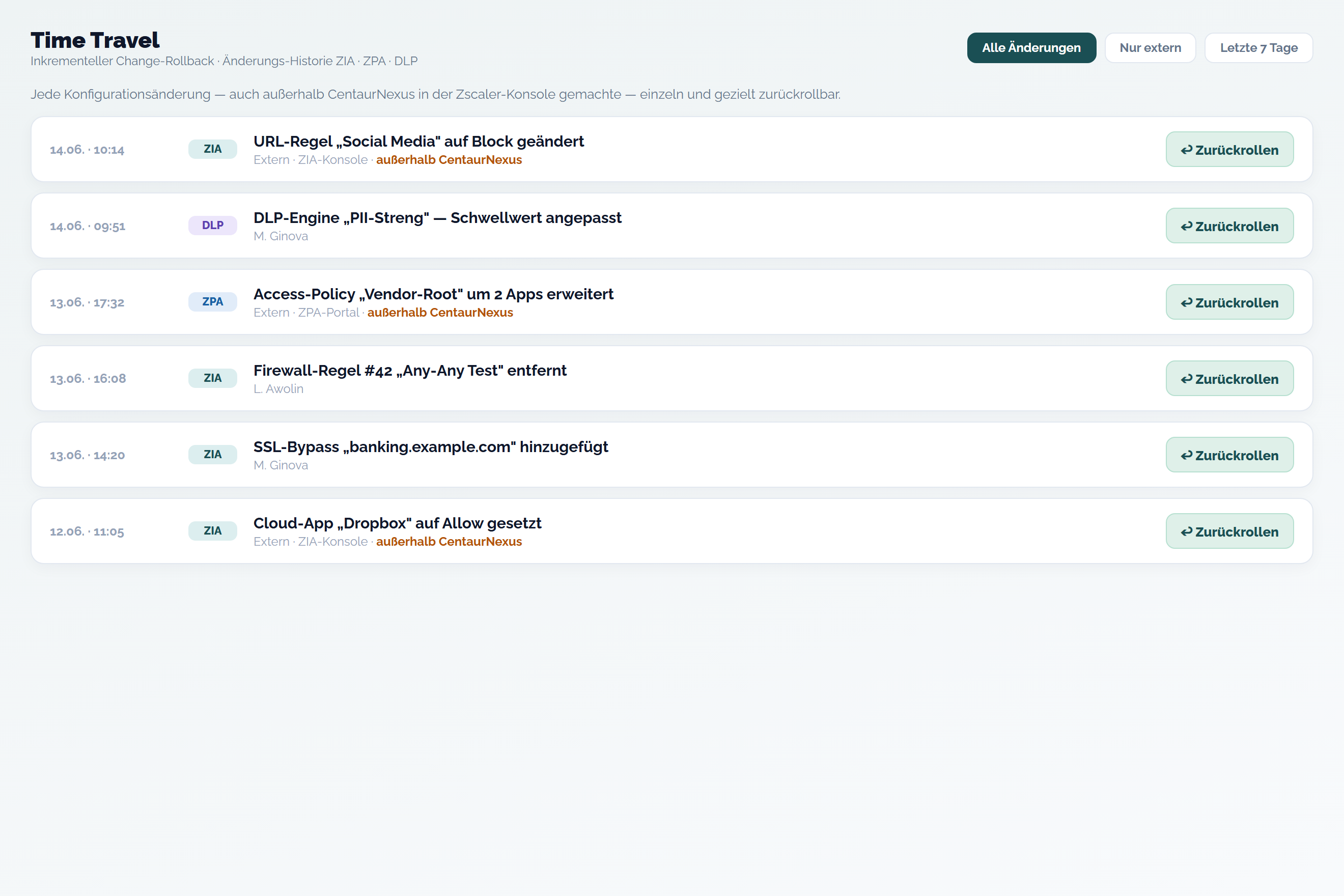
Watchdog reports that a state has changed. The way back is Configuration Rollback: it reverts individual configuration changes granularly, even when they were made directly in Zscaler. The two do not replace one another.
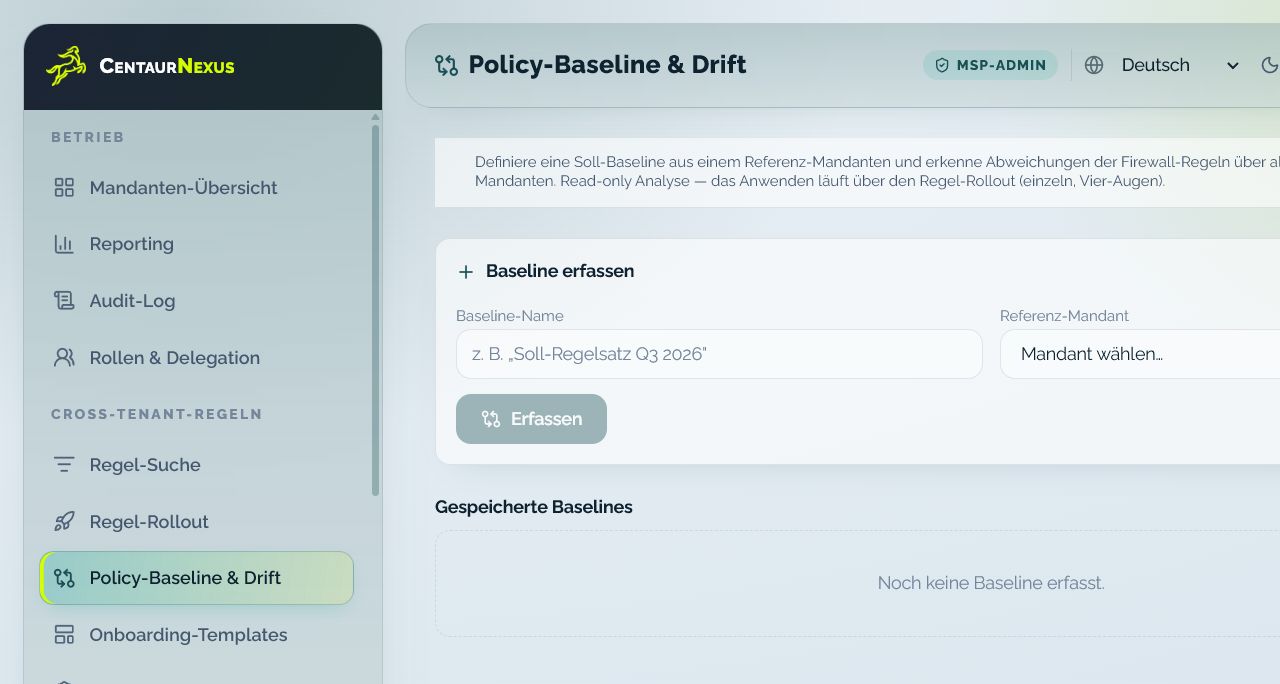
A watcher reports one state the moment it leaves its threshold. Configuration Drift Review detects deviations between actual and intended configuration across several tenants and prioritises them. Keeping the two apart stops an acute alert from being mistaken for a structural gap.
Bring one recurring operating situation. We will map the roles, required context and appropriate demo path.
Defined operating states that are checked continuously, not the complete change history. Every watcher has a threshold, a group of recipients and a data source.
No. Watchdog reports a deviation, Configuration Rollback reverts individual changes. They are separate features and complement each other.
Watchdog reacts to a single state as soon as it leaves its threshold. Configuration Drift Review compares actual against intended configuration across several tenants and prioritises the deviations.
The acknowledgement holds until the state is fixed. If the deviation persists, the case stays visible, it does not disappear with the click.