
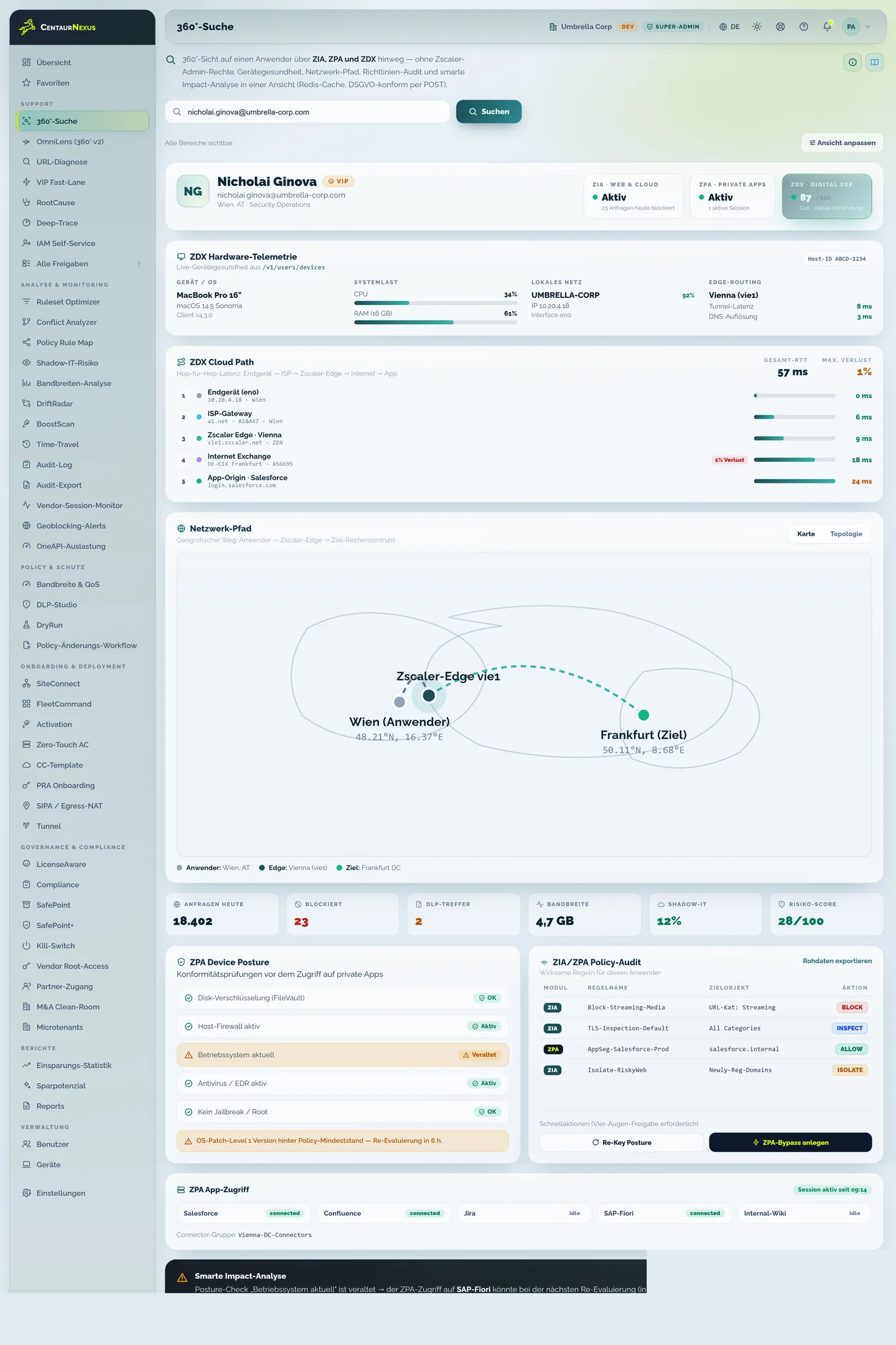
First diagnosis
User Support Center
Capture the user, device, access and relevant service signals in a role-based search.
User Support Center gives the help desk roughly 70 relevant user-related data points with role limits and without broad Zscaler admin rights. Unified Support Center adds the detail needed for genuine specialist analysis.
Capture the user, device, access and relevant service signals in a role-based search.

Review rules, includes, excludes, profiles, apps, tunnels and available experience data together.
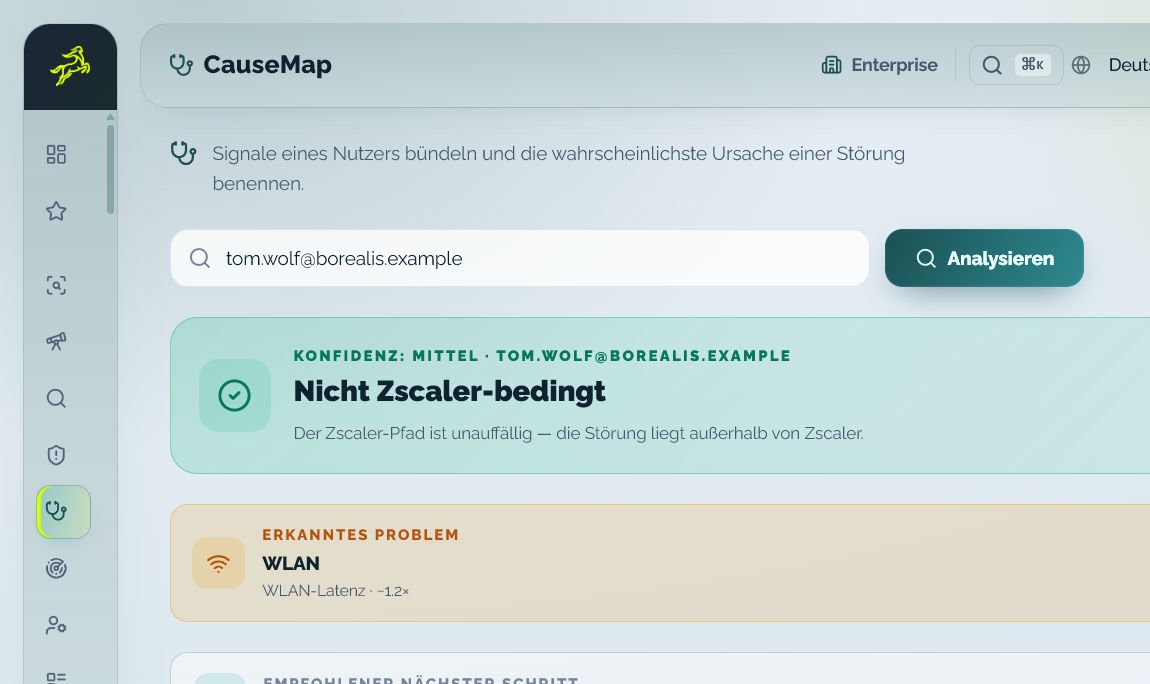
Prioritize available signals and state source context, confidence and the next check.
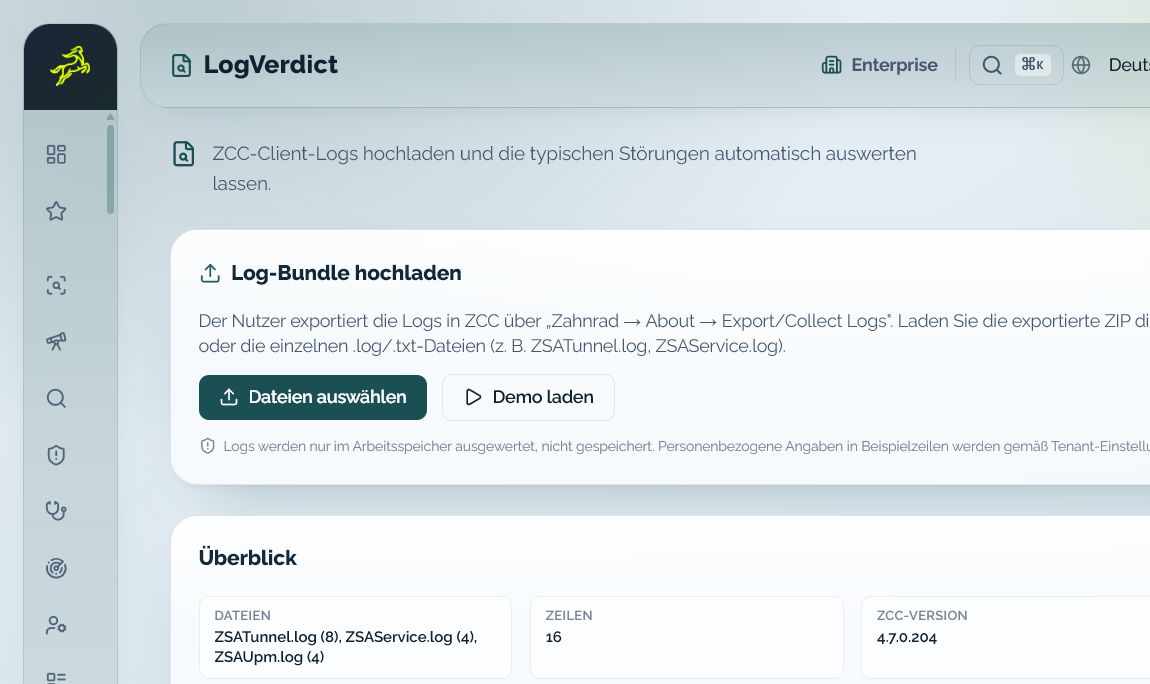
Structure ZCC logs by finding and severity and prepare concrete technical checks.
Routine cases stay where they can be resolved quickly. Complex cases reach specialists with a prepared and understandable finding.
Connect user, device, access and available experience signals without full console permissions.
See detailed user, policy, application and tunnel context in the same case.
Prepare approvals or supported ZCC control actions when role, tenant and package allow them.
Keep the finding, sources, status and next action together for ITSM and specialist review.
The help desk can answer more questions directly and escalate the cases that need additional authority with the relevant context attached.
Connect the user, device, application and visible symptom.
Assess connection, device, policy and Zscaler service information with its source context.
Offer self-service, resolve the case or prepare a controlled request and handover.
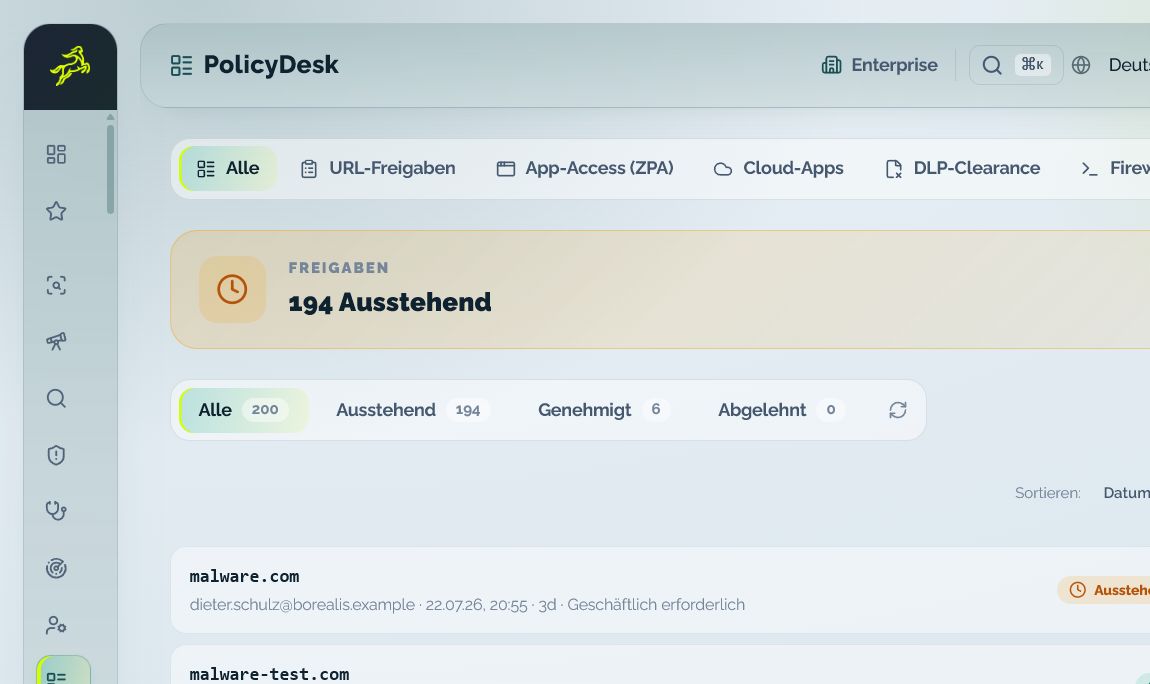
When a case needs approval or a change, the responsible role receives the requested action together with its reason, status and relevant user context.
Each function has a clear role from the first context to the prepared decision.
The ticket usually says the internal application is down, and suspicion falls on Zscaler Private Access. Before anyone escalates, first-line support needs one answer - is it the assignment, the device, or the path to the application?
The help desk sees this without its own Zscaler admin rights. What it does not get is write access: if the case needs an approval or a change, it moves on through Access Review Desk - with the first finding, the requested action and the reason.

Help desk and administration start from the same factual basis while permissions and responsibility remain distinct.
Bring one recurring operating situation. We will map the roles, required context and appropriate demo path.
Yes. User Support Center provides the approved user, device and access context without giving first-line staff broad rights in the Zscaler consoles.
User Support Center provides the fast baseline view. Unified Support Center adds deeper identity, application, policy, tunnel and available experience context for second level and administrators.
Depending on connected services and permissions, the view includes user and device data, rules, includes, excludes, profiles, apps, tunnels and available experience signals.
Yes, where role, tenant configuration and package allow it. The tenant policy controls the approval path and successful writes require target-system effect and read-back.